FirstHackintosh
-
Posts
6 -
Joined
-
Last visited
Everything posted by FirstHackintosh
-
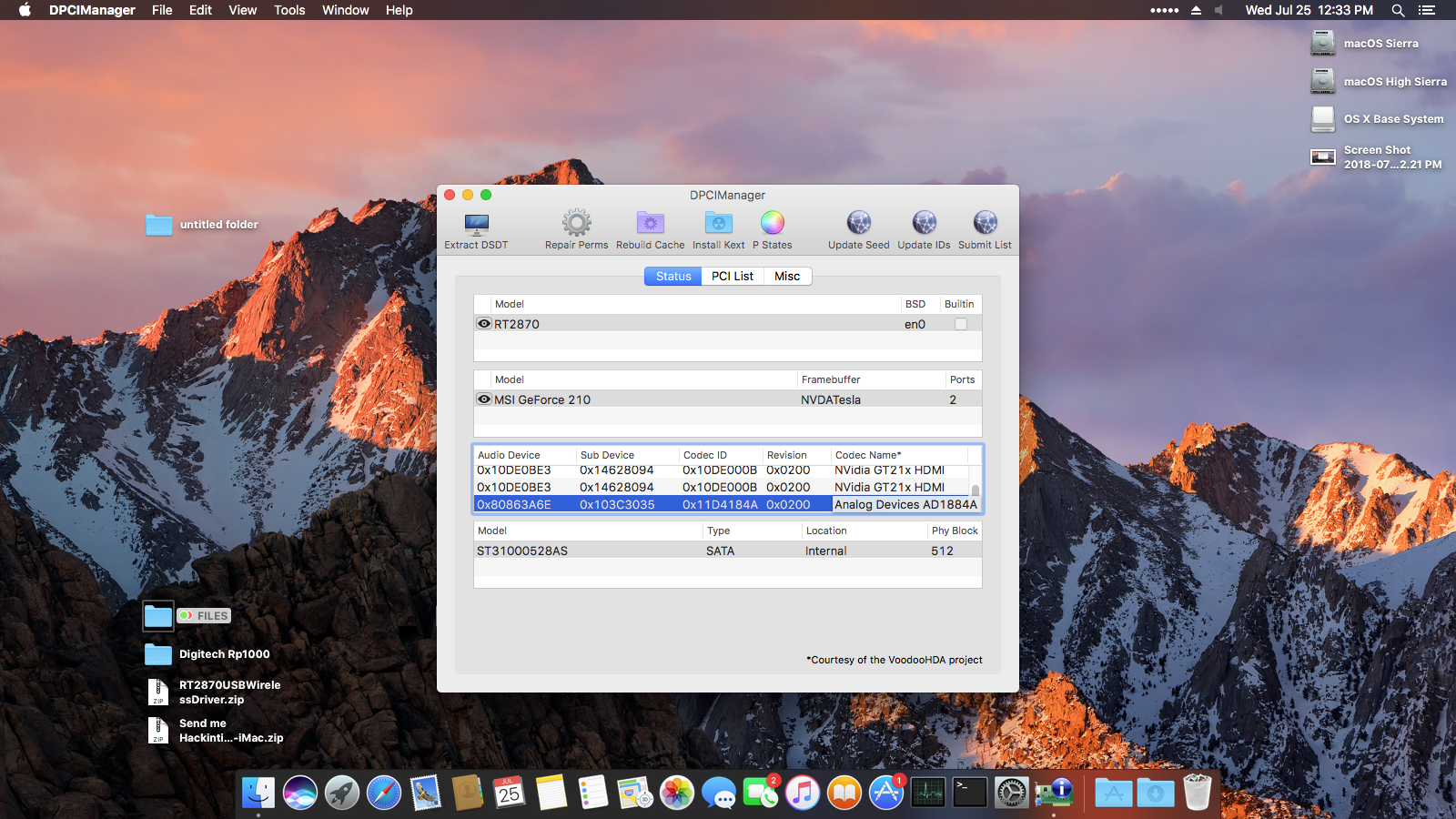
thank you again for the great job and for your patience and guidance totally correct Bro now my time boot looks better then b4 1 min only audio still not working. one last thing, why I can't boot from the hdd with same settings “no clover welcome screen“ black screen

-
Pictures and the clover folder used for the boot here CLOVER.zip
-
I did new installation today so I didn't install the clover on my hdd sins it doesn't boot from it if you need my Clover folder I can upload it here are the new extracted files Send me Hackintoshers-iMac.zip
-
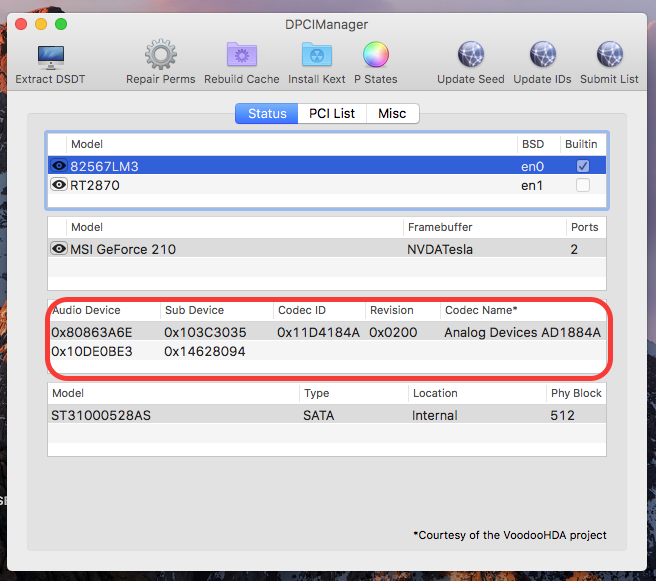
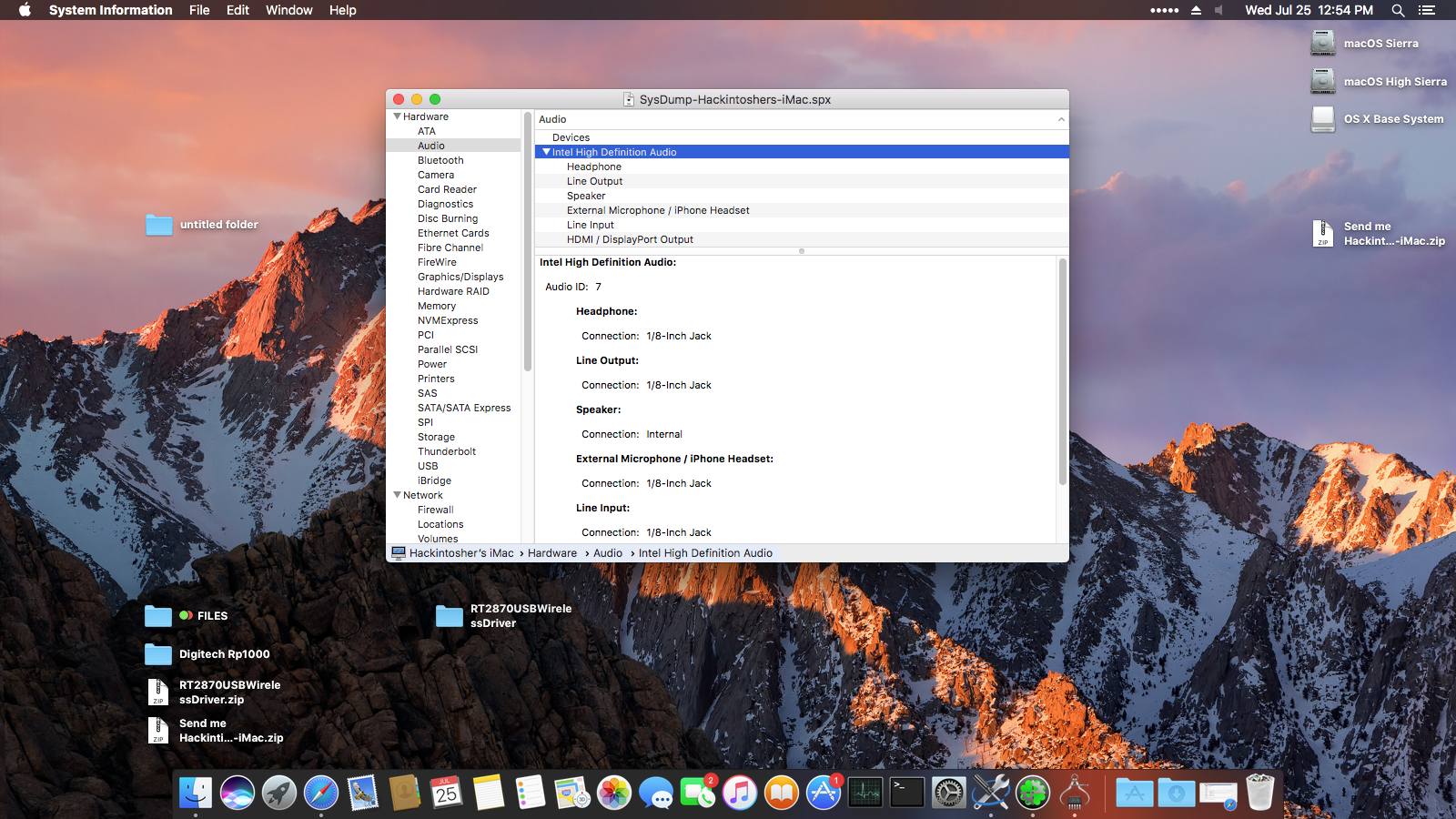
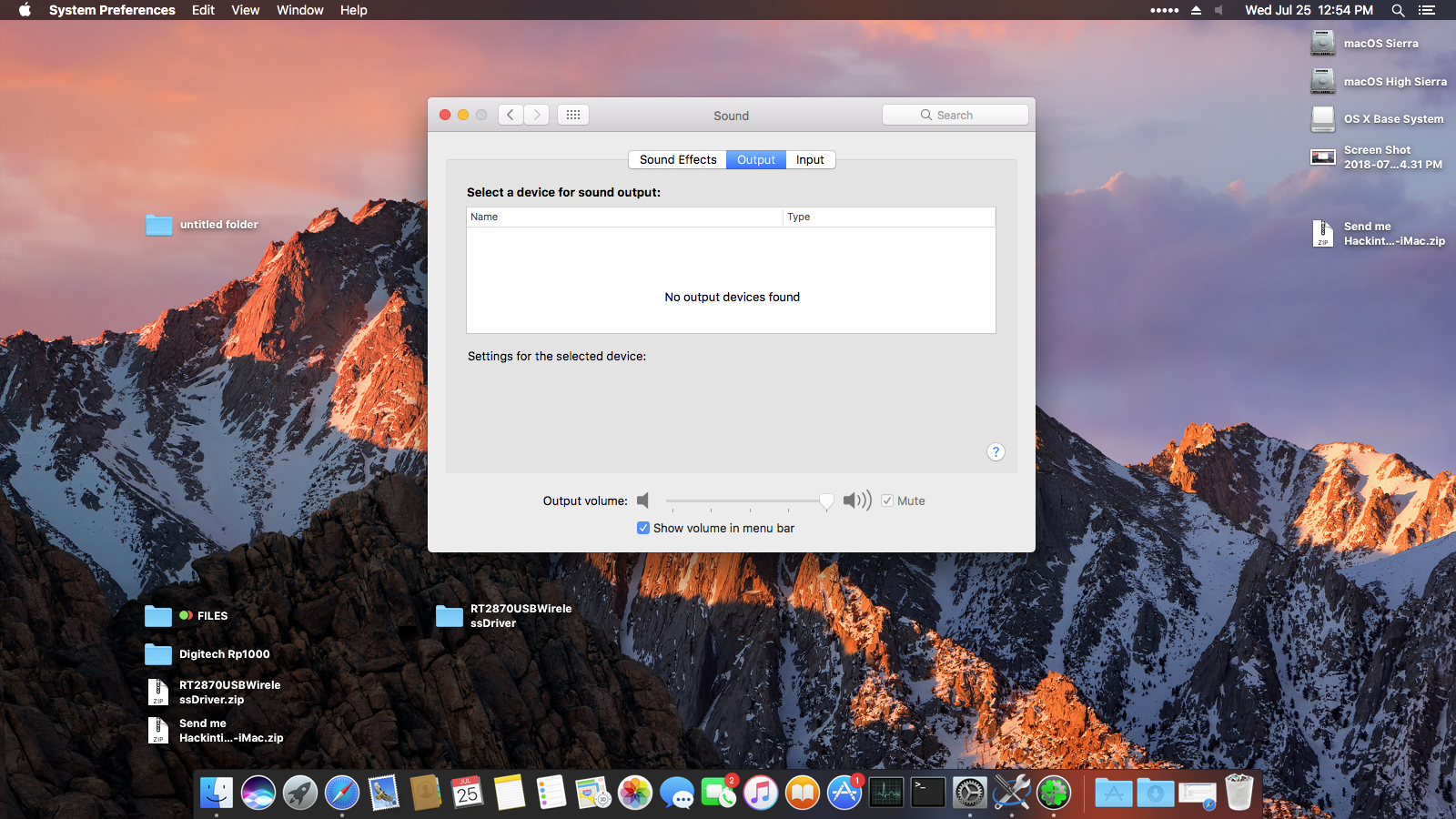
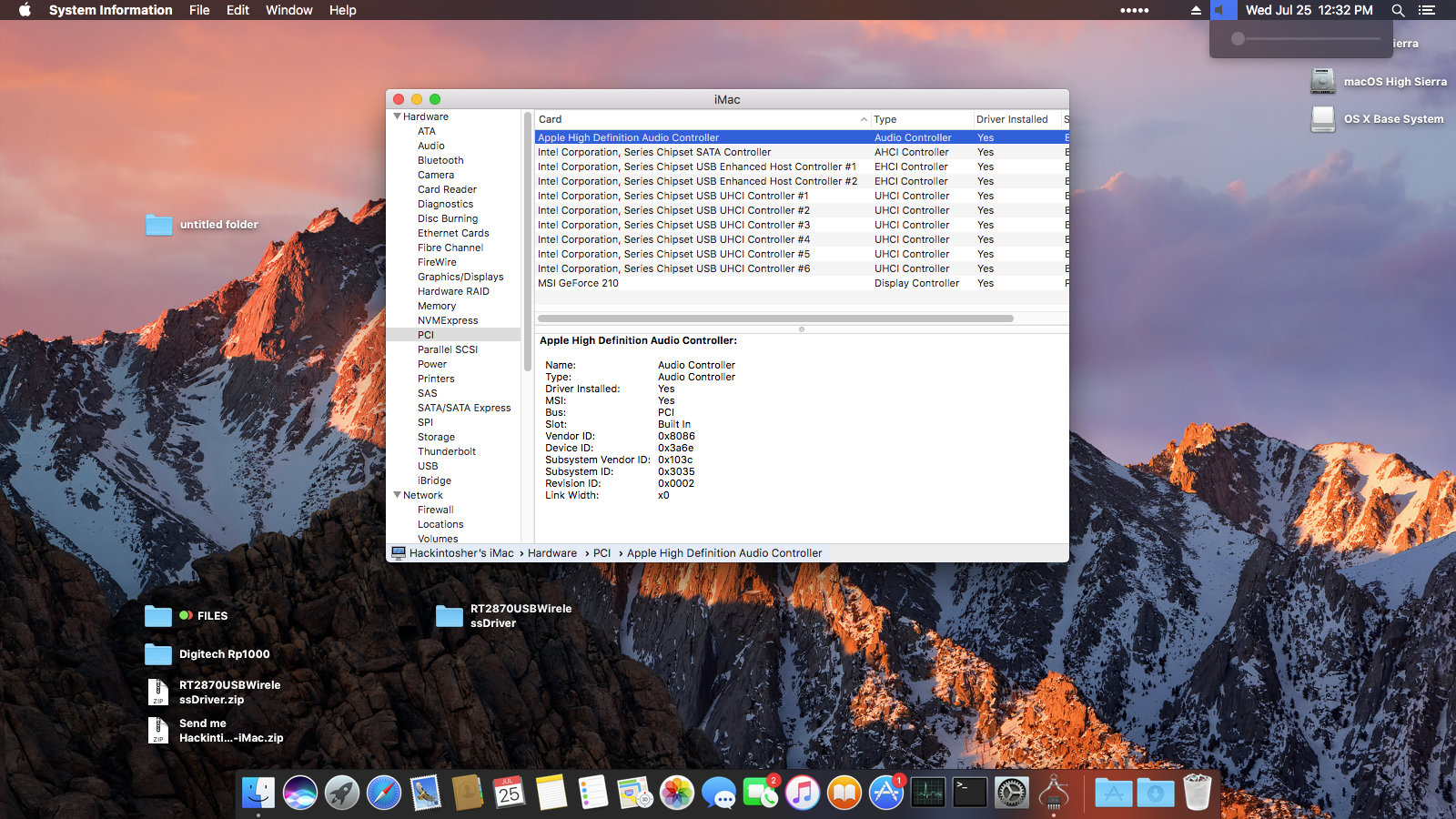
thank you for the reply sir. the boot time still the same and the audio driver looks installed but still have no audio working
-
Hi, somehow I was able to install Sierra on my old desktop, fixed the graphics... now the mackintosh work perfectly ( except the boot time) my problems are: - very slow boot 2 min 42 sec - no audio - and when I try to copy the same bootable efi folder to my hdd I can't boot from it “boot only with the usb drive“, I've tried to install the clover with legacy settings with no luck ( Still can't boot from the hdd ) - Intel Q45 Express - Core2quad Q9550 Would plz check my files and patch my dsdt THANK YOU in advance Send me Hackintishs-iMac.zip
-
Hi, somehow I was able to install Sierra on my old desktop, fixed the graphics... now the mackintosh work perfectly ( except the boot time) my problems are: - very slow boot 2 min 42 sec - no audio - and when I try to copy the same bootable efi folder to my hdd I can't boot from it “boot only with the usb drive“, I've tried to install the clover with legacy settings with no luck ( Still can't boot from the hdd ) - Intel Q45 Express - Core2quad Q9550 Would plz check my files and patch my dsdt THANK YOU in advance Send me Hackintishs-iMac.zip