Hijau31
-
Posts
13 -
Joined
-
Last visited
Everything posted by Hijau31
-
I've been trying all possibilities but still unable to change the resolution to 1366x768. 'arch=i386' flags made my ML not boot. Is there anything else I should try?
-
Thanks, I'll post whatever the result is.
-
I've installed iATKOS ML2 successfully on my Dell Vostro 220. It detects almost everything of hardwares including video card with vendor id 0x8086 and device id 0x2e22. It was told that my VGA card is Intel GMA X4500 which is not supported by Mountain Lion. Followed a forum to install an AppleIntelGMAX3100.kext in S/L/E and Chameleon 2.2 svn 2187, repair permission with KextUtility and reboot. Now I got a message "Cannot find mach_kernel". I was suggested to make the Mac HD partiton active (http://www.insanelymac.com/forum/topic/22844-how-to-setting-your-partition-active-using-fdisk-in-macosx/) but still "Can't find mach_kernel. I just want to fix my resolution to normal (1366x786), the native is now 1024x800. Anyone please can be of help?
-
Please anyone can help me. My DVD drive is not recognized after applying DSDT patch. Please find the DSDT attached. DSDT-Sleep&OnLidClose.zip SOLVED : I remove the above DSDT and extract new DSDT then apply some patches (DTGP and EHCI) and follow this guide http://www.hackintosh-india.com/p/a-simple-and-complete-dsdt-guide-for.html to enable sleep on lid close
-
@pernacabeluda You are the man. Many thanks. My 10.6.8 is now able to sleep by clicking Sleep option and by closing the lid as well. It's like I have been dreaming now as it's been for months to get this to happen. Opening the lid is actually not waking up my Snow Leopard. To wake it up I just press any keys. This is a little thing and does not disturb me but if you could help me to make it happen again, it would be perfect. Awaiting for your help.
-

-
It cant boot with vanila. Here is the result MacBook-Pro kernel[0] <Debug>: Wake reason = USB7
-
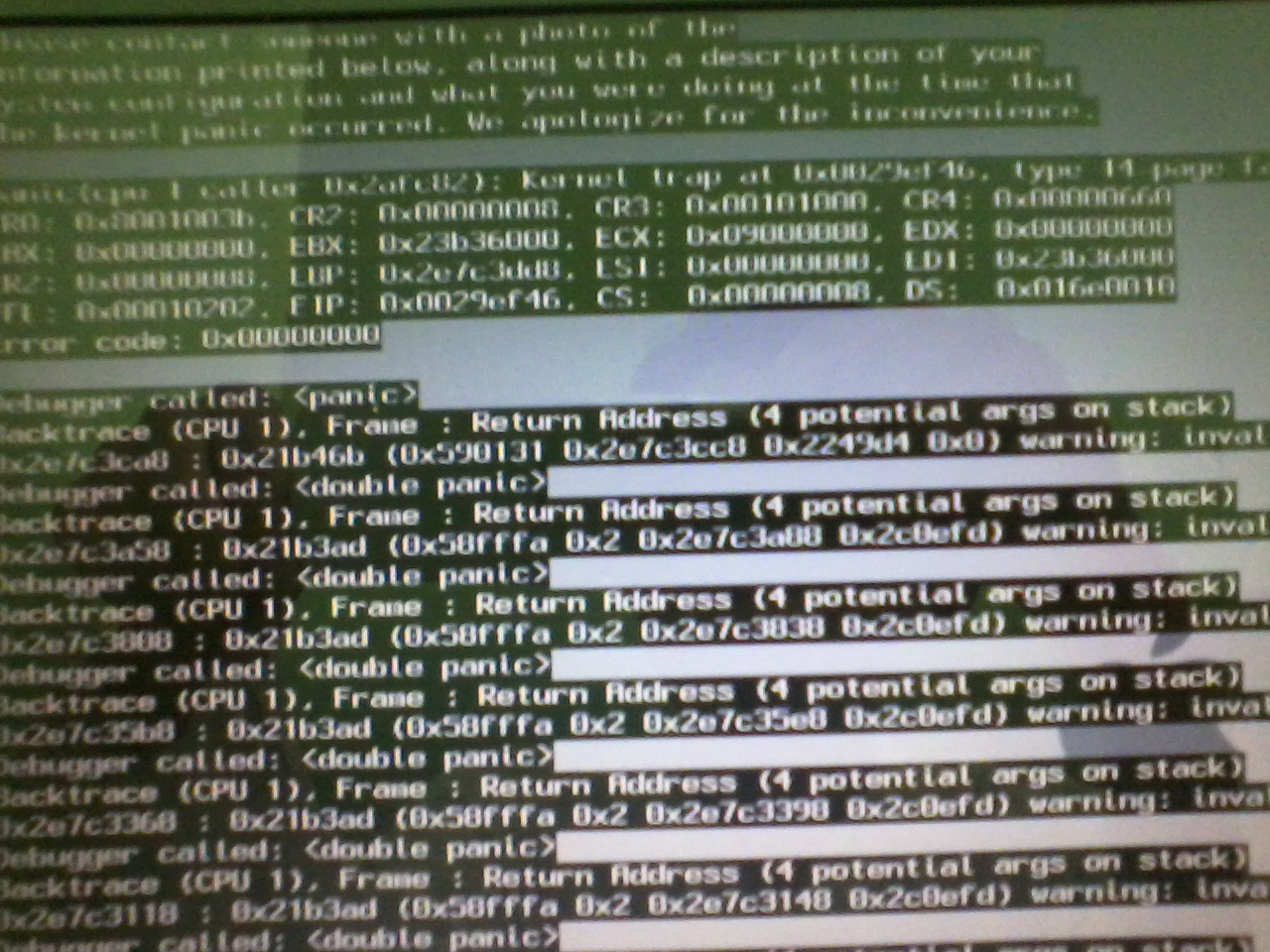
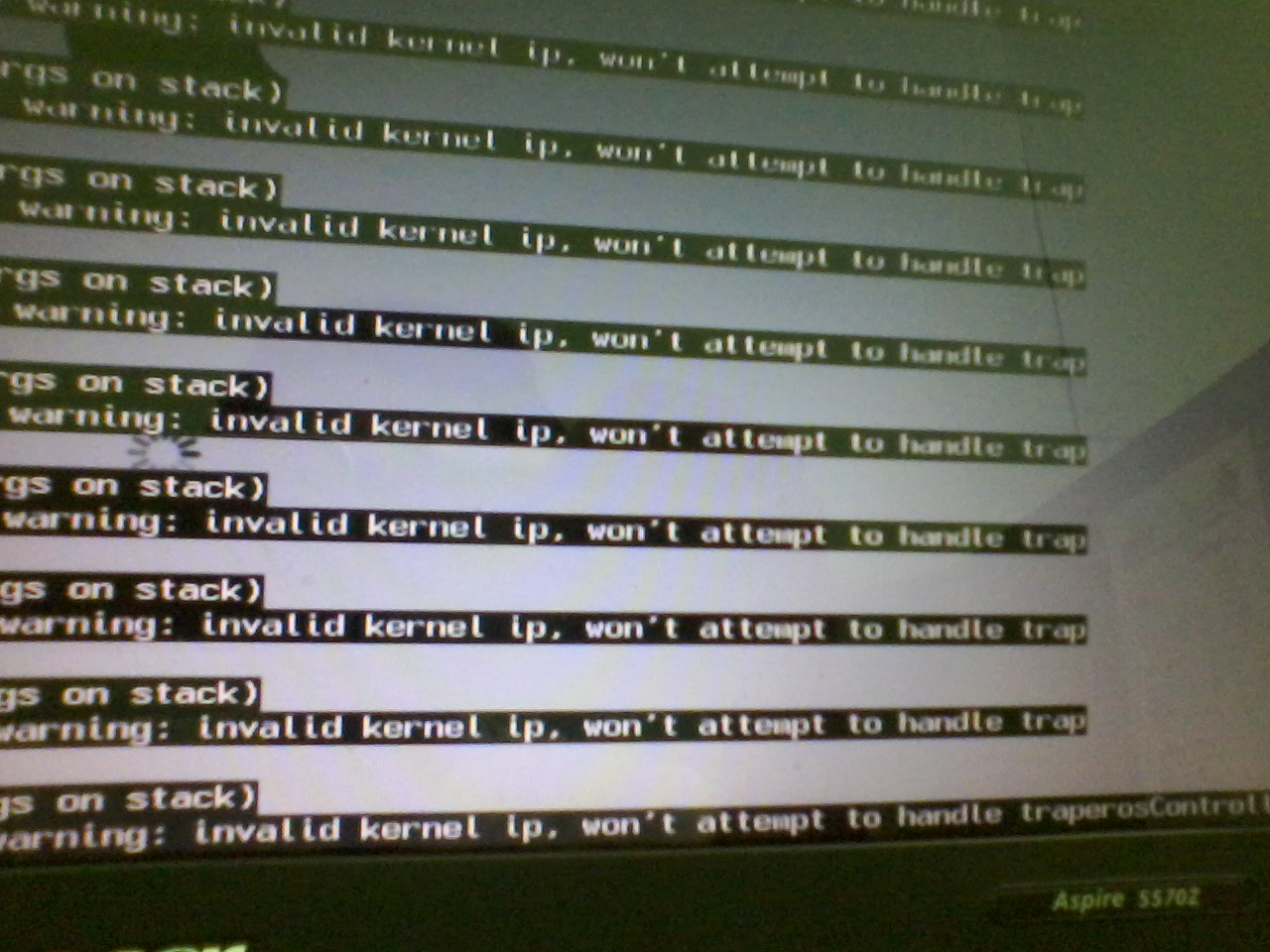
Here are the pics of my KP. Sorry they are not clear enough to our eyes.
-
Sure, I rebooted maybe 4 or 5 times but still got the kernel panic. I tried as well some flags, this -x flags had enabled me to by pass the KP and log on to safe mode desktop. Wait for a while I'll send you the KP pic.
-
Removing AppleHDA does remove the kernel panic. But now I cant use my USB mouse and still it is not able to sleep when clicking the Sleep option or closing the lid. Actually it's like an immediate wake up.
-
Thanks again. After did all the above then I restart my laptop and I get kernel panic: "...invalid kernel ip won't attempt to handle trap. So what to do then?
-
Thanks for your quick help. I can set p and c-states in chameleon and remove the NullCPUPowerManagement.kext but I am sorry, I really don't know what to do with hdef layout 12 (0C) to applehda. Please help me once again.
-
Attached is my send_me file. Please, help me. I want my laptop to be able to sleep. I want it as well to sleep when the lid is closed and to resume or wake up when the lid is opened. Thanks in advanced. send_me.zip