areandres
-
Posts
8 -
Joined
-
Last visited
Everything posted by areandres
-
@MaLd0n Thanks dude it works like a charme. Wish you a great WE. Donation is one the way. Greets and thanks again.
-
Hi and good dsy master MaLd0n, can you support me for my System. I Installed also a 2080TI for Windows use only. When i Boot up in MAC it takes long time. It works but i dont need the 2080 TI. Can you also disable the Graphics Card ? Grets Andy Send me iMac.zip
-
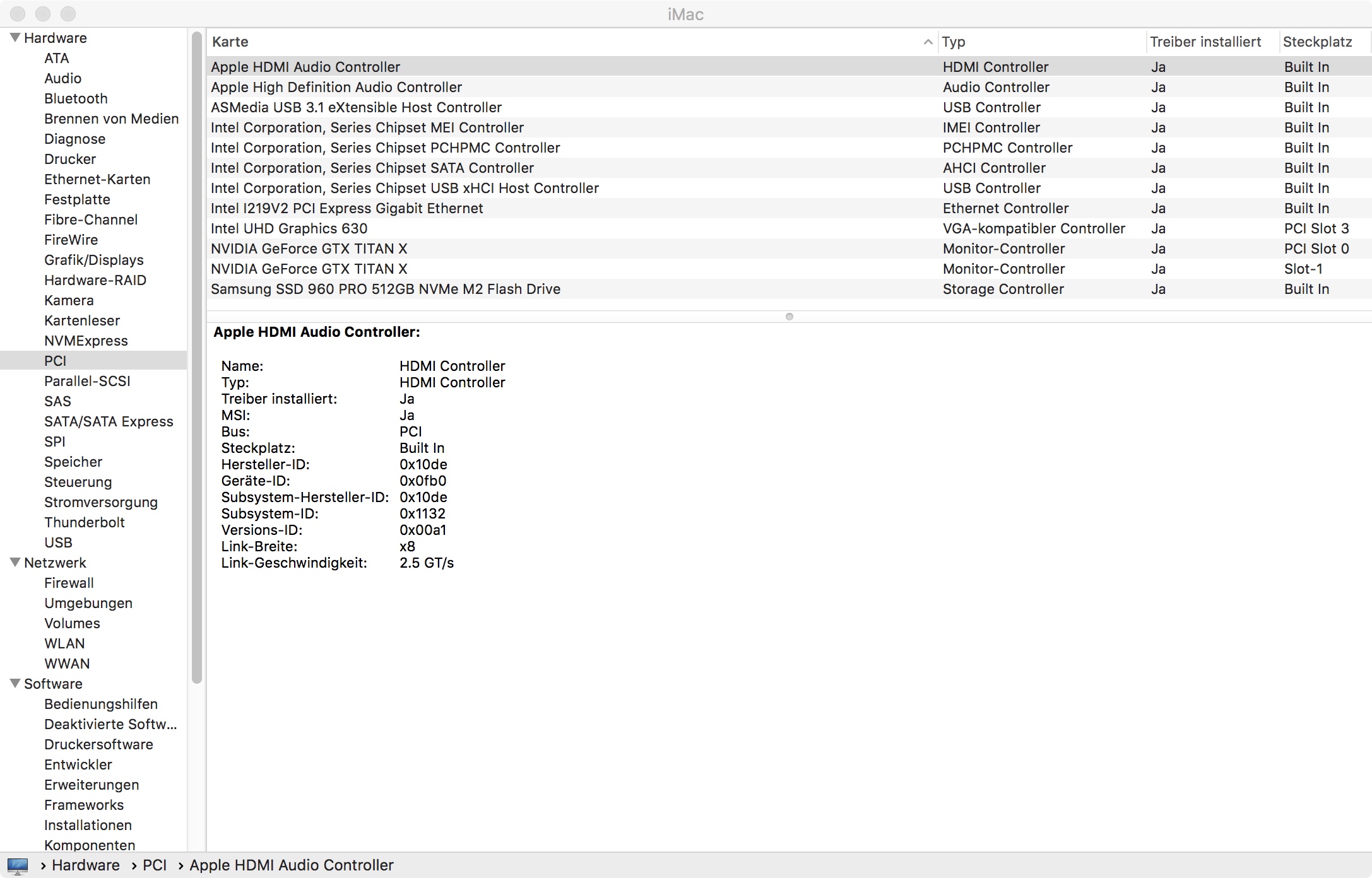
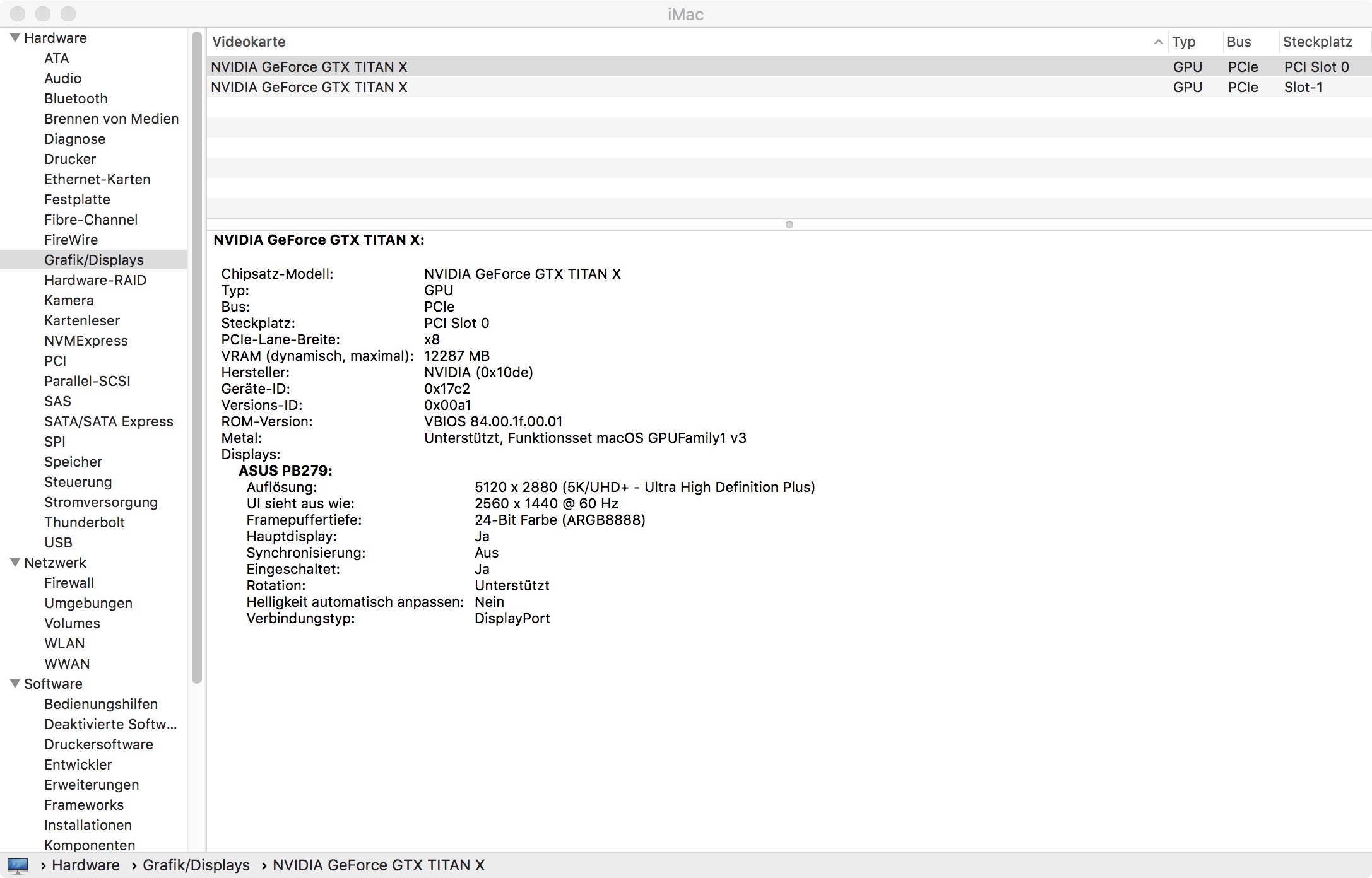
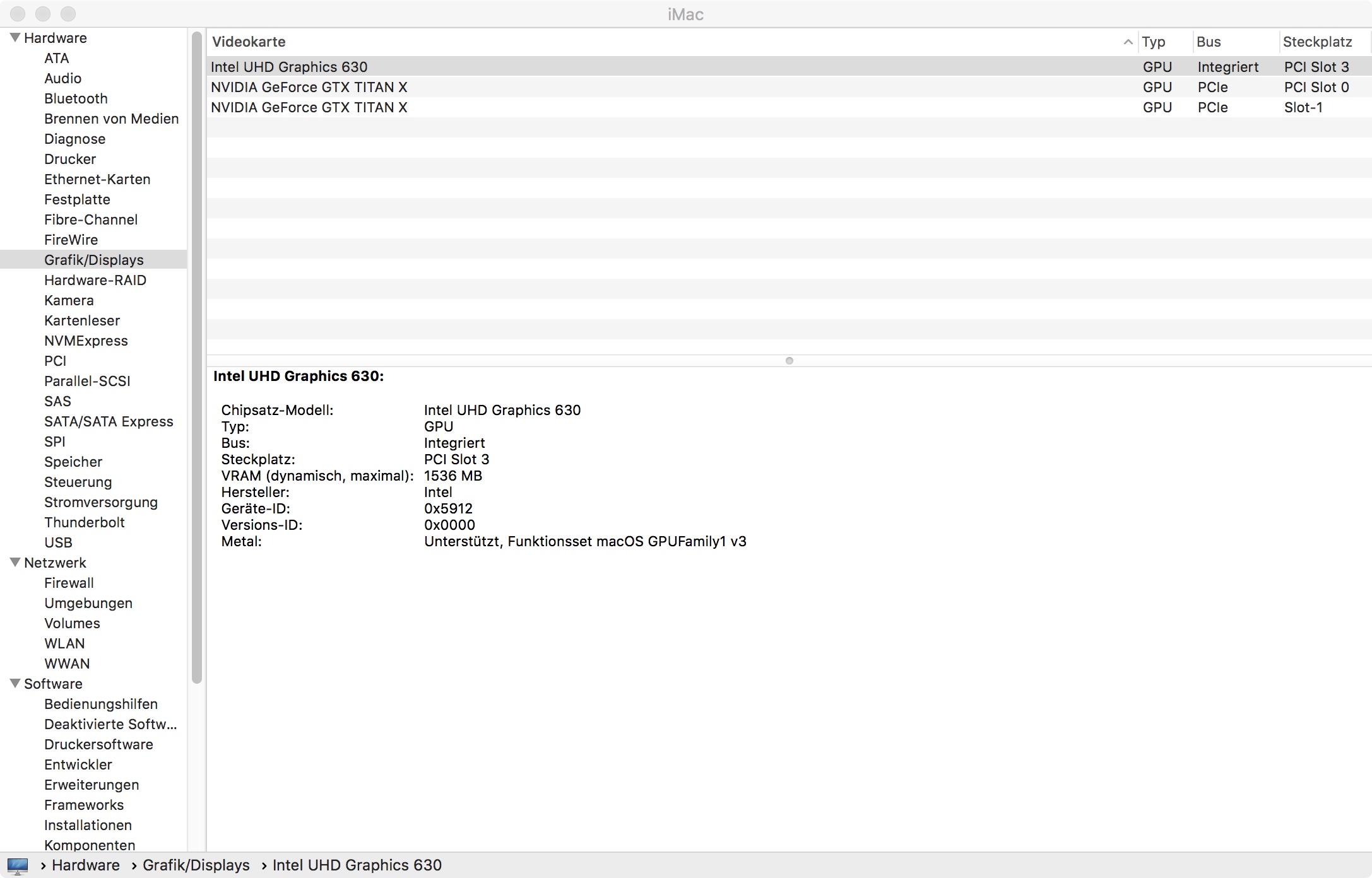
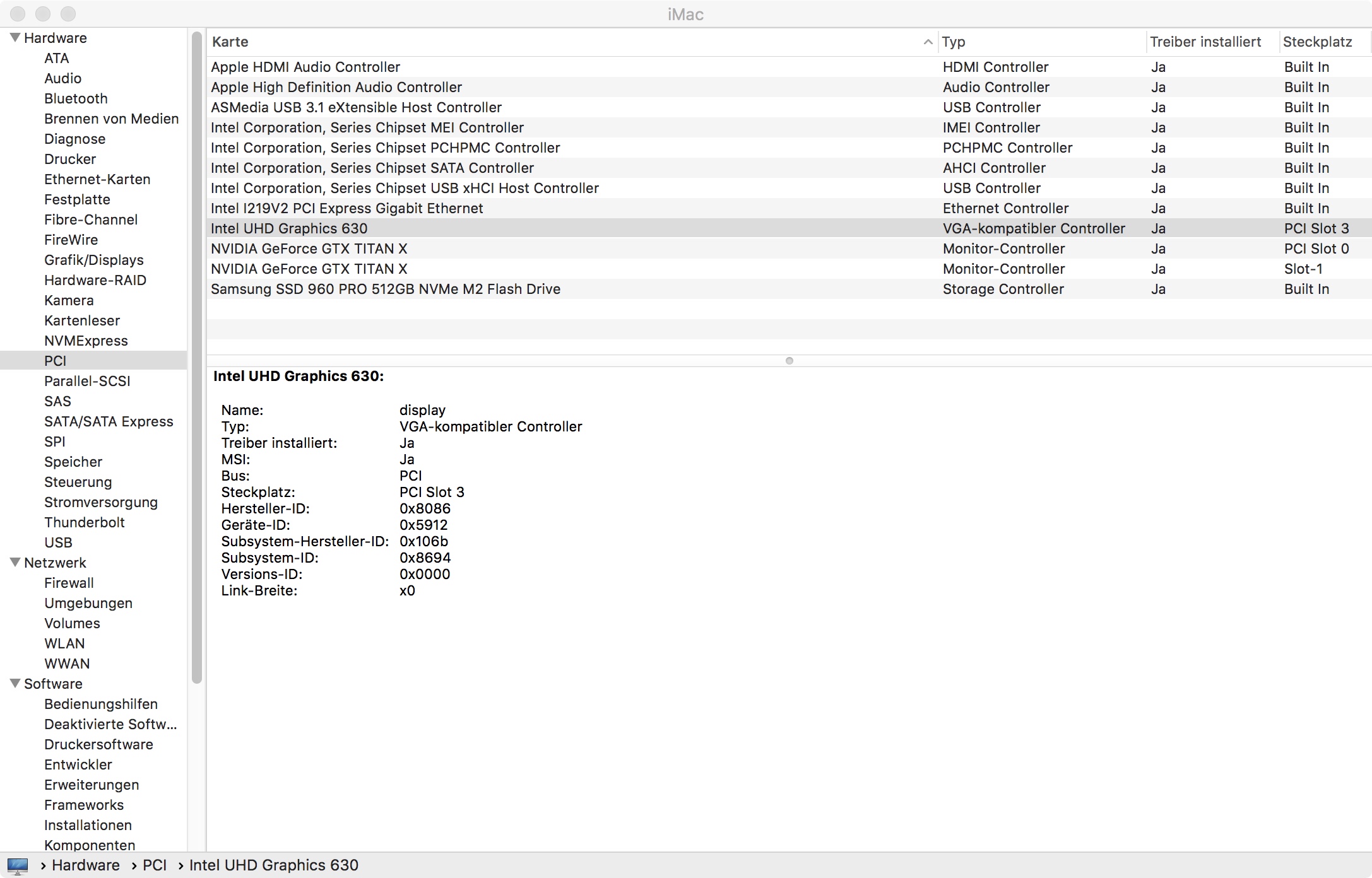
@MaLd0n The same problem like blackhole63 The Ports are wrong assigned. For example Intel UHD 630 is assigned as PCI Slot 3 then Titan X is PCI Slot 0 and the other Titan X is Slot-1 I showed you the pictures on page 257 The guy from other Forum blackhole63 he had the absolut same problem and you fixed the issue. I think this problem is related to some issue what i still have. Greets Andy
-
@MaLd0n can you check one more time please my DSDT. At this link https://www.insanelymac.com/forum/topic/330731-pci-info/?page=4 from blackhole63 i have same issue. Yuo support him with a fix. Thanks again
-
Sad
-
But when i change to your suggested ID 59120003 Apple Fotos is unusable slow and on syome areas is like transparent in Clover is very hard to work on it because transparence in the different areas. Also when i use google chrome. Is a horror because so slow when i try to open something or add some web adress. When i use this 59120000 quicksync is working in Fotos very good. I my last system i made same and it works always like a charme. It is strange. Attached my actual System with your modification. I think it is quet hard because i use total 3 Grafic Cards.

-
@MaLd0n thanks a lot i tried and it seems to be good just a thing and it is not correct. The UHD630 is written as PCIe but is internal an the slots of the 2 Titan X are strange. Please watch Picture. And when i use this IG-Platform-ID 0x59120003 quicksync dont work. When i change it to 0x59120000 then it works but not stable. I would learn how to work in DSDT but there are not good tutorials. Do you have some example how to work on it ?
-
Hi there, first of all great tool to get all the needed stuff. I posted my file because i have sometime a clitch that iMovie, FCPX and Motion dont work just start but then direct close. Then i change many things in Clover reboot and then maybe it work for a little time. But then same or even when i try to export a video the System just reboots. Crazy other things working very well. My system is little complicated because i use 2x TitanX and then also for quicksync the UHD630. If you can help that would be great. attached you can find the file from RunMe. Send me iMac.zip