V2Ray
-
Posts
5 -
Joined
-
Last visited
Everything posted by V2Ray
-
Hackintosh Guide with Clover Bootloader on Serie 5, 6, 7, 8, 9
V2Ray replied to MaLd0n's topic in Installation Guides
Mald0n I’m sure that I’ve extracted install image to raw, or I can’t get to the clover loading screen. I’ll try to rec if I face the same problem after I reburn the image -
Hackintosh Guide with Clover Bootloader on Serie 5, 6, 7, 8, 9
V2Ray replied to MaLd0n's topic in Installation Guides
You mean the boot menu? I already select it, and as I told you it stuck while loading and the screen turn black after that -
Hackintosh Guide with Clover Bootloader on Serie 5, 6, 7, 8, 9
V2Ray replied to MaLd0n's topic in Installation Guides
What do you mean? Sorry I'm not that good about english -
Hackintosh Guide with Clover Bootloader on Serie 5, 6, 7, 8, 9
V2Ray replied to MaLd0n's topic in Installation Guides
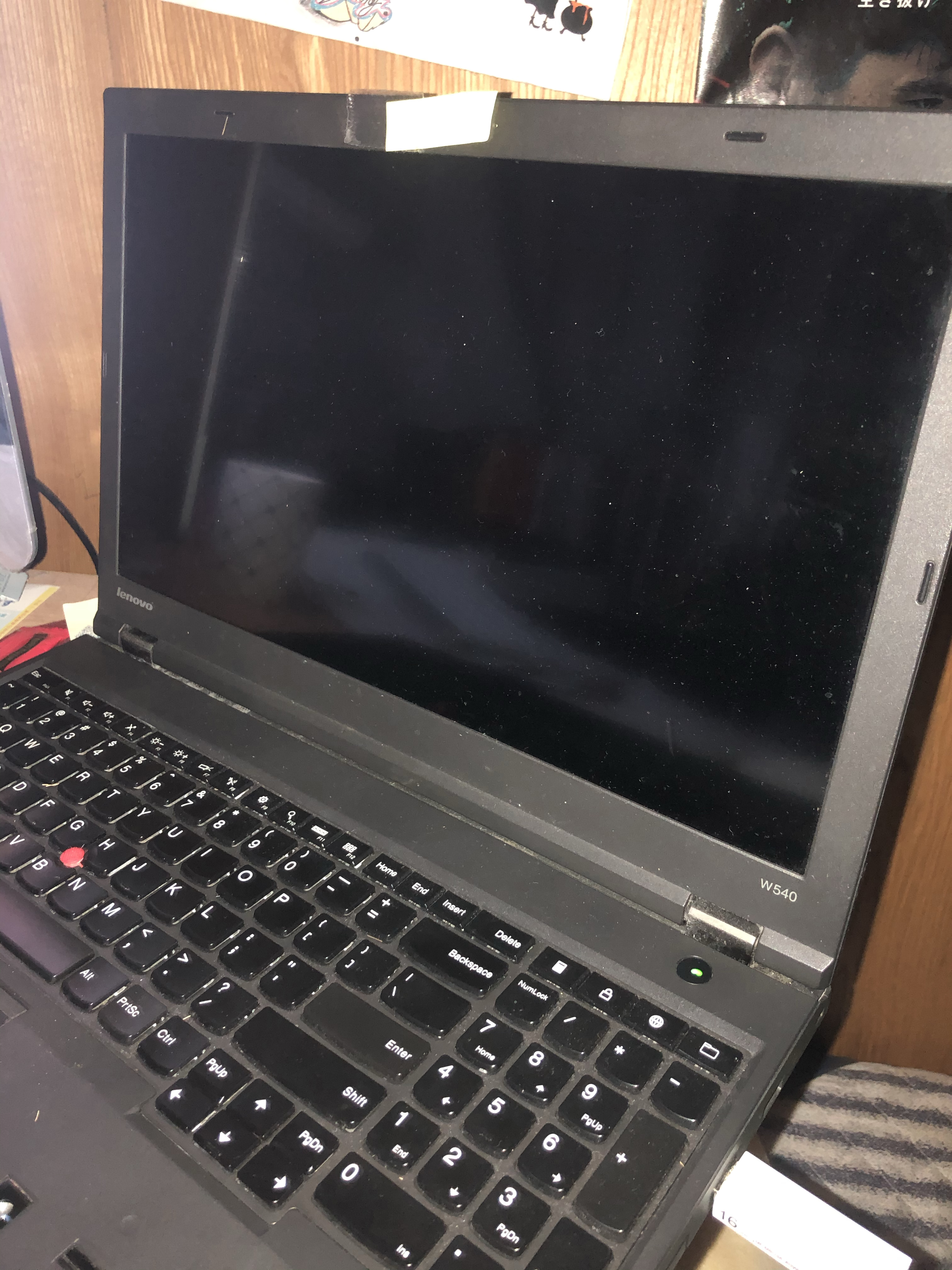
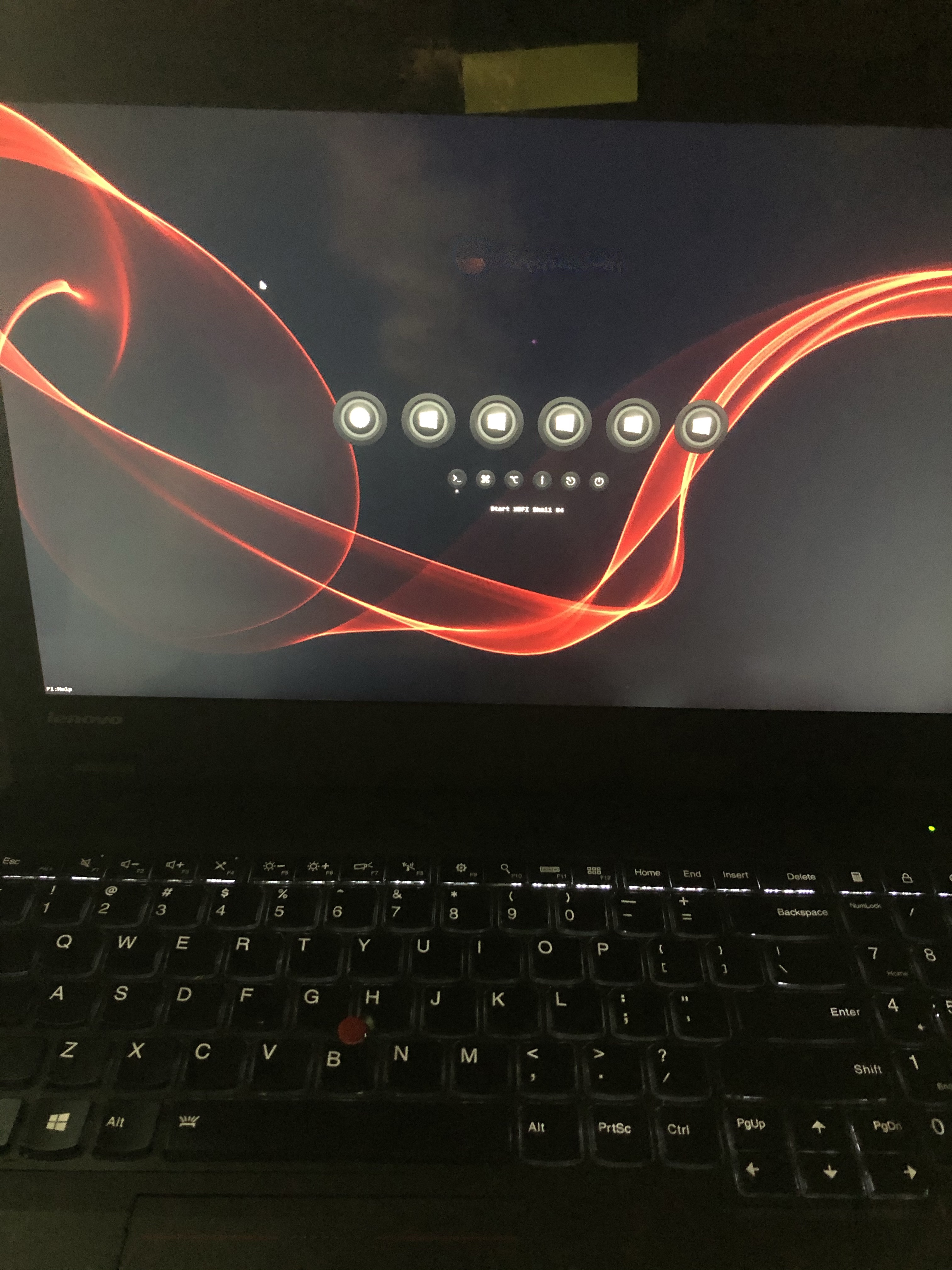
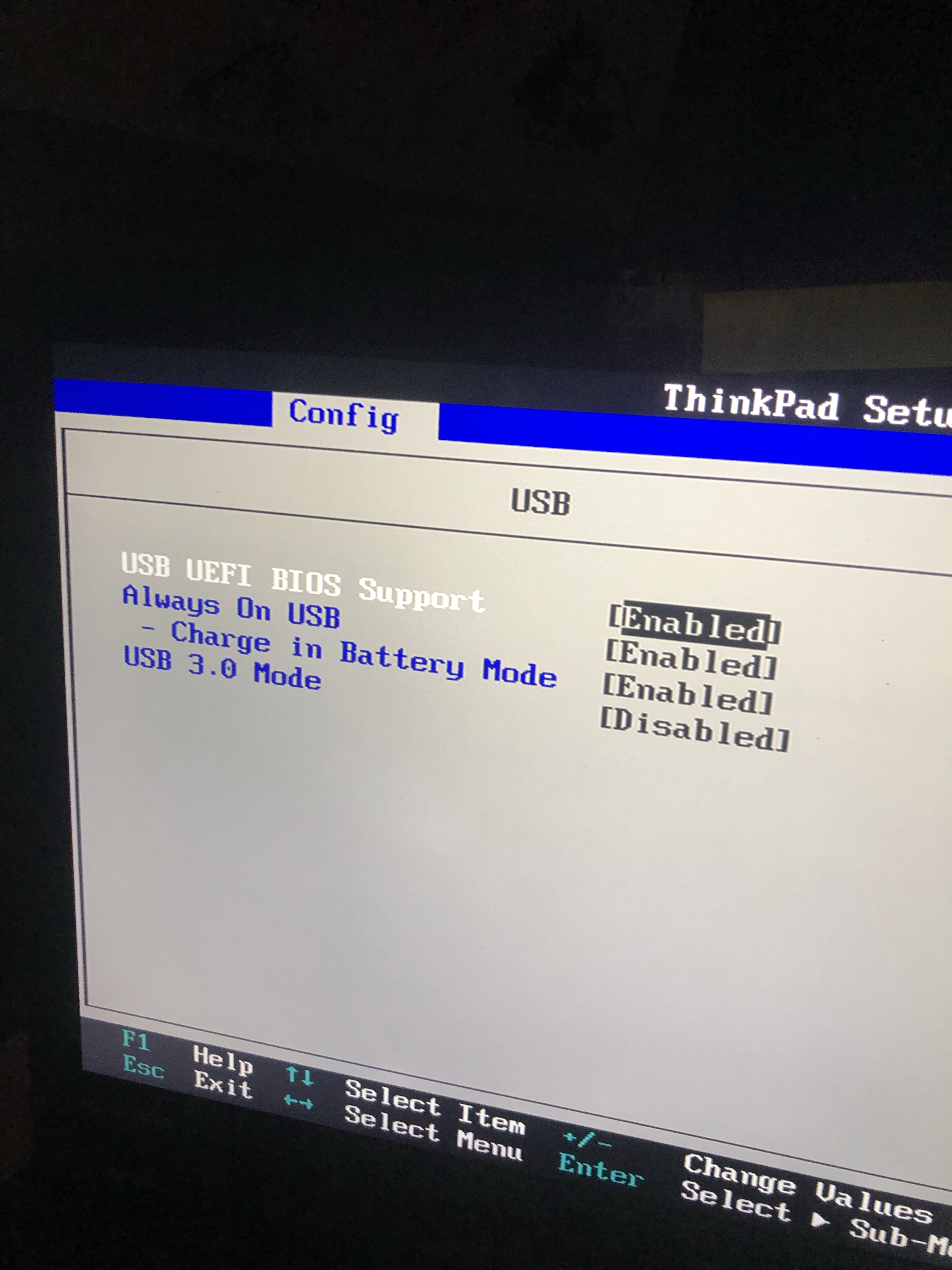
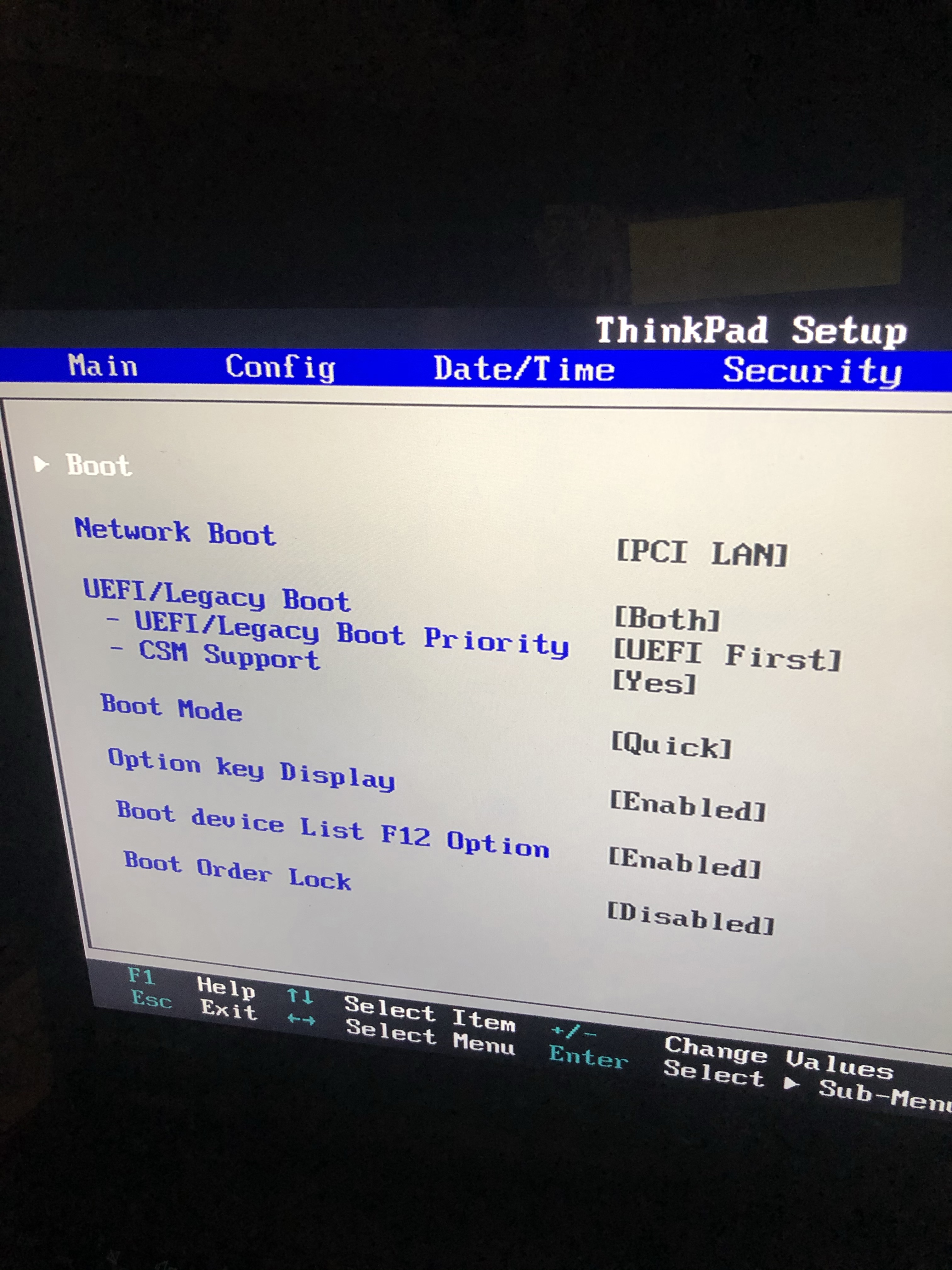
Boot Setting USB Setting Clover Menu Black Screen While Loading
-
Hackintosh Guide with Clover Bootloader on Serie 5, 6, 7, 8, 9
V2Ray replied to MaLd0n's topic in Installation Guides
Hello! Well, come to the point. My laptop is Lenovo Thinkpad series W540, cpu is intel Core i7 4930MX, 32G RAM, and there're 2 graphic card, intel HD 4600 and NVIDIA Quadro K2100M installed. I'm trying to use the Olarila image to install macOS Mojave(GM ver). When my computer identified the Olarila image and start loading the installation, however, it seized up while it loading (it stuck at the log(terminal?) screen). And after a couple minutes, the screen turns black but i can still hear the fan. I already disabled USB3.0 port and VT-d. Actually, I can't find CFG-Lock and AHCI setting in the BIOS setting menu so I'm not sure that are they enabled or not. I've trying to hackintosh many times, but never success. I'd tried to use clover or chameleon to boot the image, but it won't work. Also I can't find any config or EFI files are suitable for my computer. So Olarila might be my last hope Thanks for help anyway! waiting for reply!