laloalire
-
Posts
12 -
Joined
-
Last visited
-
DSDT Patch request [Dell Inspiron gaming 7567]
laloalire replied to laloalire's topic in DSDT & Patch Requests
So, you saying I should remove those files from my folder? -
DSDT Patch request [Dell Inspiron gaming 7567]
laloalire replied to laloalire's topic in DSDT & Patch Requests
@MaLd0n, I found them on github, and reading about my Bluetooth issue some people say it is a dsdt issue for USB port limit Also people told me I should merge all those dsdt files into only one but idk how :/ Here are the description from files - patched: - SSDT-ALS0: Fake ambient light sensor - SSDT-BRT6: Brightness control via keyboard - SSDT-Disable_DGPU: Disable discrete GPU (Nvidia) - SSDT-I2C: VoodooI2C GPIO pinning & disabling VoodooPS2 kext for trackpads and mouses - SSDT-PNLF: Backlight ssdt - SSDT-PRW: SSDT for usb instant wake - SSDT-UIAC: Injecting right usb ports (coniguration for usbinjectall kext) - SSDT-XCPM: Injecting plugin-type for power management - SSDT-XOSI: Faking OS for the ACPI - SSDT_ALC256: CodecCommander config for ALC256 (removes headphone noise) More info here: https://github.com/Nihhaar/Hackintosh-Dell-7567/blob/master/README.md -
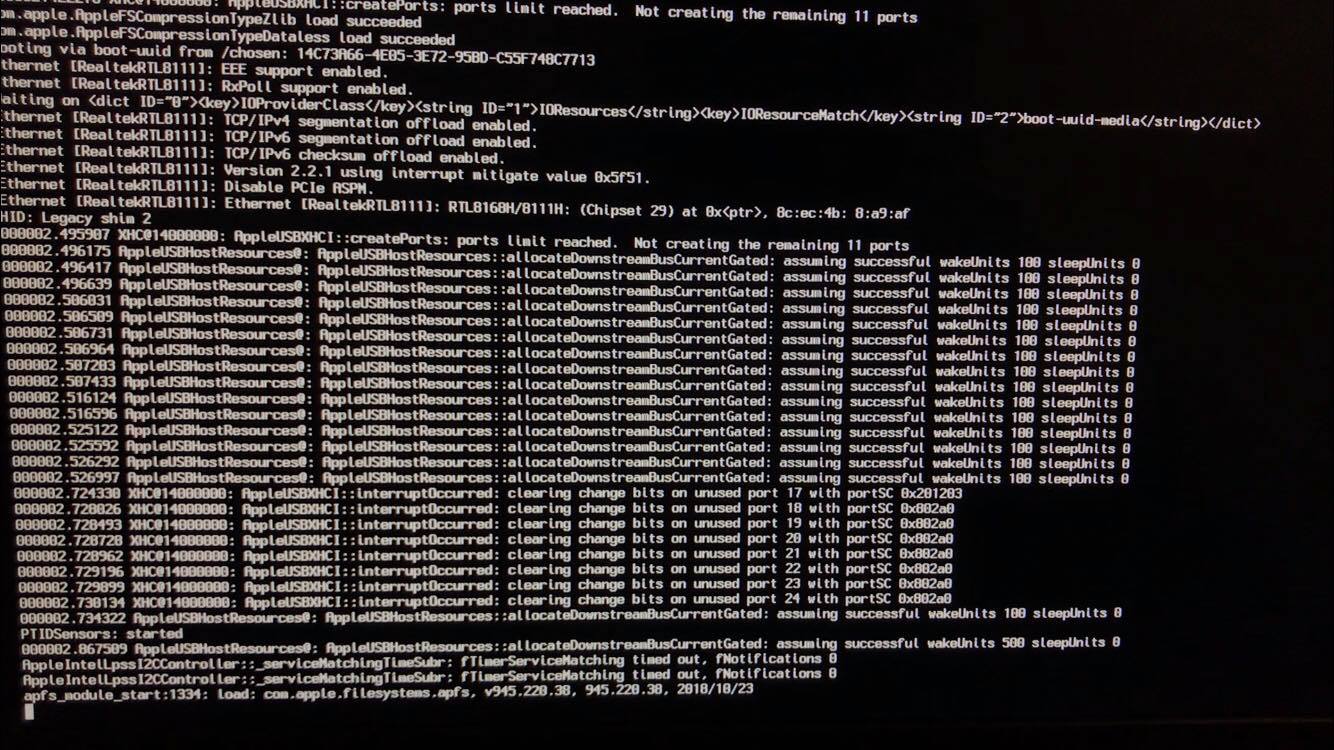
Hello everyone, I finished up writing here to ask for help to patch my DSDT, Almost everything works just fine (touchpad w/gestures, keyboard, brightness, sound, acceleration) Also iMessage/Facetime works well with all iCloud services Here are the main specs of my Laptop The only issues I have right now is: -Kernel panics when wake from sleep (started happening after install a DW1560) -Slow AF boot (started also with DW1560 installation) -Bluetooth don't work, it sometimes appear as an USB device in system report -->See this for ref https://prnt.sc/ol4epj Also when slow boot happens, I got this strange message in verbose boot it shows about 5 times before boot, every 60 seconds I think. Everything else is just fine, I think my ACPI folder is a mess but kinda works well. SEND ME files are HERE: https://drive.google.com/file/d/1VyCDC0QkoDrUqvMOcID5kL-tRXNmBSes/view?usp=sharing File was too large to attach in post, sorry! if any info is needed please let me know, ill be catching up often this post to check Thanks to all!
-
Help Installation Mojave on Dell Inspiron 15 7000 Gaming
laloalire replied to laloalire's topic in Mojave (10.14)
This laptop only has 3.1 USB ports, so the fix was use a 2.0 recognized brand USB, (Kingston in my case) and it worked perfectly.. That was the issue Hope this can help anyone with my same problem on this good laptop for gaming (and now for Hackintosh !) mark thread as closed -
hi there! i almost got this Dell Inspiron 15 7567 fully working! The only issues are atm: -Trackpad doesn't work after sleep -iMessage and FaceTime not working (idk why, tried a lot of guides) I think it could be improved by DSDT patch, or at least a good power management , so thank you for all your help! Send me MacBook-Pro.zip
-
Help Installation Mojave on Dell Inspiron 15 7000 Gaming
laloalire replied to laloalire's topic in Mojave (10.14)
How could I do that? Could be a second SATA HDD? I have a m.2 SSD also -
Help Installation Mojave on Dell Inspiron 15 7000 Gaming
laloalire replied to laloalire's topic in Mojave (10.14)
Yes, forgot to put in on the post, editing! -
Help Installation Mojave on Dell Inspiron 15 7000 Gaming
laloalire replied to laloalire's topic in Mojave (10.14)
i did, always same result :/ (all my usb ports are 3.0 or 3.1 i think) -
Help Installation Mojave on Dell Inspiron 15 7000 Gaming
laloalire replied to laloalire's topic in Mojave (10.14)
Done -
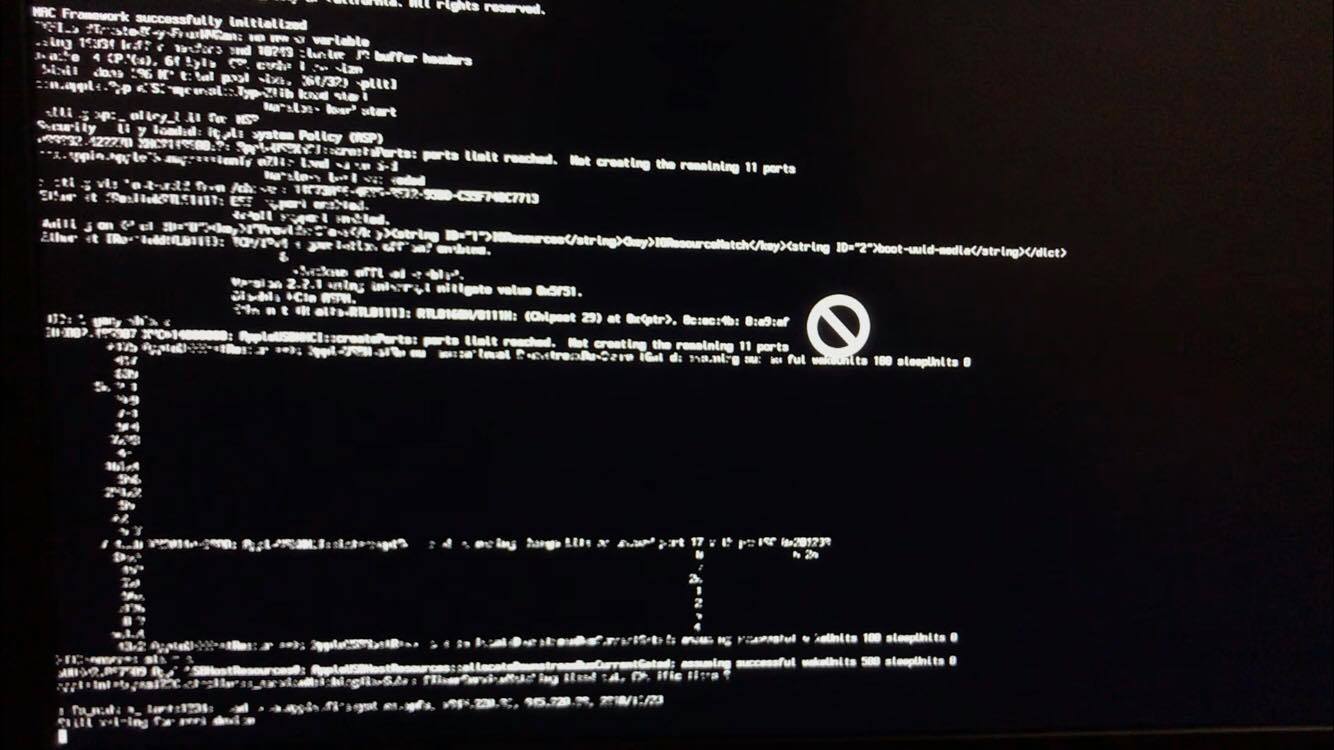
[edit 1 - added 2 images after/before kernel panic] [edit 2 - added SATA AHCI mode] Hello everyone, first of all i want to say thanks for everything you share in this post, it was very helpful to make my very old Sony Vaio work with Mac OS. I am trying for at least 2 months to install Mac OS on my main laptop, but i just can't reach the Installer Screen Every time i get stuck in Verbose boot, with different messages, somethimes got something like Copyright Apple~ stuff, but never reach at least installation screen Full specs of my laptop (most important highlighted on the img): https://prnt.sc/leq227 (Missing something important? ask me and ill add as soon as possible) This is a DUAL Graphics LAPTOP, i know my nvidia 1050Ti won't work, and i don't have problem with that i use windows for gaming hehe. What i've tried so far: -Different Olarila High sierra and Mojave images. -Creating usb from Mac OS (hackintosh) and Windows -Different config.plist on the images -nv_disable=1 -x -no_compat_check (the flag for compatibility check) Bios Setup: -VT-direct disabled -Virtualization disabled -Secure boot disabled -Network boot disabled -Sata mode to AHCI instead RAID Important: Almost Every USB which i make (windows or mac) is able to reach installation screen in the old sony vaio, so is not an usb error (i think) I hope someone can help me, i want Mac OS on this laptop where i can work and practice my studies. Thanks to everyone!

-
Dell 15 7579 - Mojave - Audio Codec, Screen Brightness Issues
laloalire replied to lowridincrew's topic in Laptop
Hello there! i was wondering how did you achieved booting installer on this laptop, i have an inspiron 15 7000 gaming with an i5 7300hq kaby lake, very similar to your model, and i just can't reach the installer screen. Thank you -
please, help me with my DSDT patch, this one is a Sony Vaio Laptop model SVF14215CLW Thanks for everything on your guides!! Send me Vai-ntoshs-iMac.zip