AaronCampbell72
-
Posts
9 -
Joined
-
Last visited
-
Cannot install on Dell Precision 7710
AaronCampbell72 replied to AaronCampbell72's topic in High Sierra (10.13)
I'll give that a try this evening when I get home. Do I select config2.plist and restart the process, or just select config2.plist and try to boot into the HDD that I just finished installing the image on? -
Cannot install on Dell Precision 7710
AaronCampbell72 replied to AaronCampbell72's topic in High Sierra (10.13)
Is there a way to tell Clover to use intel and NOT firepro? BTW, if I can get this thing working I'm not going to just send you 1 beer. I'm going to send you a CASE of beer. I'm so close to getting this thing to work -
Cannot install on Dell Precision 7710
AaronCampbell72 replied to AaronCampbell72's topic in High Sierra (10.13)
Thank you. It boots to a blank/black screen now. Added in 54 minutes 19 seconds: It's definitely a graphics card issue. My Display adapters are: AMD FirePro W5170M Intel® HD Graphics 530 I'm Googling known issues but not finding anything. -
Cannot install on Dell Precision 7710
AaronCampbell72 replied to AaronCampbell72's topic in High Sierra (10.13)
Do you mean add -x as an argument within the clover menu? -
Cannot install on Dell Precision 7710
AaronCampbell72 replied to AaronCampbell72's topic in High Sierra (10.13)
I accidentally figured it out. The second time you boot and press F12 to install from the USB, I added all Clover options and then it booted normally. It's finishing the second boot and taking me to the final setup now. Fingers crossed. I think it may actually work this time. Added in 6 minutes 48 seconds: Nope. I was wrong. Instead of it booting into the welcome screen where you specify country, keyboard, username, etc. it just booted to a solid yellow screen. I'm thinking it's going to be something in my Dell Precision 7710 BIOS settings.
-
Cannot install on Dell Precision 7710
AaronCampbell72 replied to AaronCampbell72's topic in High Sierra (10.13)
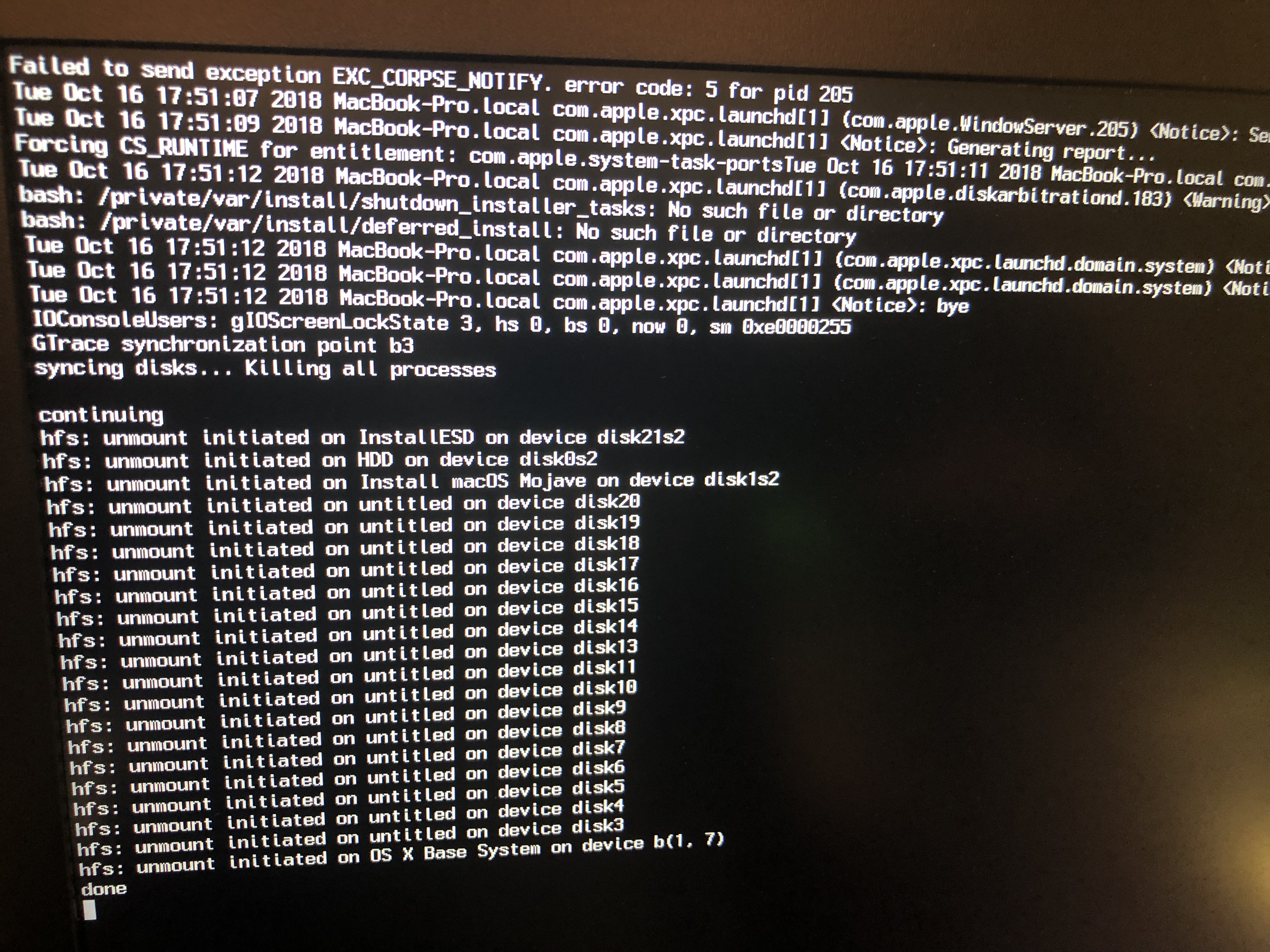
I am SOOOO close. I couldn't figure out how to remove the virtualSMC from the image or how to add the fakeSMC so I downloaded the Mojave image. I used 7-zip to view its contents and saw it had the fakeSMC kext in it so I imaged it to my USB using etcher. It booted into the first part of the installation where I partition the drive and tell it where to install macOS. It then reboots, and I press F12 to boot again from the Clover screen. After some verbose, the Apple logo appears saying "about 15 minutes" and then I get the attached Verbose screen. p.s. Don't let me forget to send you send beer when I finally get through this D&D mission
-
Cannot install on Dell Precision 7710
AaronCampbell72 replied to AaronCampbell72's topic in High Sierra (10.13)
Incredibly helpful. Thank you for identifying the failure so quickly. I have NO idea how to use one over the other, but I have my friendly Google to help me. Thank you -
Cannot install on Dell Precision 7710
AaronCampbell72 replied to AaronCampbell72's topic in High Sierra (10.13)
Thank you so much for the crazy-fast response. Here's the best pic I could get of the verbose.
-
I downloaded the image and burned it using Etcher. The installation stops with a "Loaded Kexts: None" I have attached a screenshot of the verbose. My laptop is: Dell Precision 7710 i7 Processor Intel Graphics Intel MB