vikindap
-
Posts
17 -
Joined
-
Last visited
Everything posted by vikindap
-
Catalina Upgrade Hangs with ACPI Exception: AE_NOT_FOUND
vikindap posted a topic in Catalina (10.15)
Currently Installed OS Version (Mojave): 10.14.6 (18G95) Upgrading Version (Catalina) : 15.1 (19B88) MB: Asus Striz Z370-F Graphics: RX 580 Processor: i7 8700K (with hyper threading) Bios Version (Recent): 2401 (2019/07/18) I have all the Kext updated to recent version, clover to recent version and Mojave works fine but when I upgrade it to Catalina, the installation just stuck at the screen showing "ACPI Exception: AE_NOT_FOUND". (error screenshot) https://pasteboard.co/IEEuw1j.jpg Solutions Tried. 1. Upgraded Bios, reset all settings and reconfigured it Google doesnot help me here with valuable info, I suspect it might require DSDT patch which I am unsure of hence attaching RunMe Zip. Any help is greatly appreciated. Send me PX-HK-N1.zip -
Hi, with your patch file applied I see a lot of ACPI errors during verbose boot which doesnot occur when I boot without the patch. I am attaching the file here, I hope it contains sufficient logs and info. Also could you please list the fixes and patches you carried out? I need to understand what exactly is being patched so I can know more about it, understand and carry out tweaks on my own, instead of just looking at it like a blackbox. Thanks again RunMe.app.zip
-
[ref]MaLd0n[/ref], _SB.PCI0.RP17.PXSX still not disabled. also I noticed this issue, If I enable XMP or manually overclock the RAM then the usb devices are getting improperly ejected when going to sleep. Is there any solution for that?
-
Seems _SB.PCI0.RP17.PXSX not disabled. I decompiled the DSDT.aml you provided and ran file diff and I see a lot of methods being removed and some addition being made. fyi, I have bene reading ACPI specification and I am half way through and currently doing little experiments. It would be cool if you list out the fixes that you have carried out in the patch. Also I have been trying to disable the M.2 Slot by myself by using https://www.tonycrapx86.com/threads/guide-hackrnvmefamily-co-existence-with-ionvmefamily-using-class-code-spoof.210316/ and https://www.tonycrapx86.com/threads/guide-disabling-discrete-graphics-in-dual-gpu-laptops.163772/ but in vain.
-
Hi @MaLd0n and all My Build: i9 9900K Aorus Master Z390 Aorus RX580 Samsung Evo 970 Plus Issues: 1. Kernal Panic during shutdown / restart (this occurred after I removed emuvariables efi as my board supports native NVRAM) 2. Sleep - taking long time and hangs sometimes 3. Samsung Evo 970 Plus (Windows boot drive) this need to be disabled due to firmware compatibility issue with OSX resulting in freeze. Currently it is installed in Path _SB.PCI0.RP17.PXSX I already have optimised my clover to my knowledge and have created USB patch for 15 port limit. I am having trouble patching the ACPI to disable the M.2 Drive Also the machine seem to work fine with shutdown and restart when I add EMUVariable-64.efi but it causes issues like clover not remembering the last boot, clover not automatically booting after countdown. Send me PX-HK-N2.zip Thanks in advance
-
Hello [ref]MaLd0n[/ref] and All I had to do a fresh install after I changed the graphics card to Radeon Graphics from Geforce and updated BIOS to latest So far I have done the following 1. Installed Mojave using unishit 2. Installed Clover using https://sourceforge.net/projects/cloverefiboot/ 3. Replaced the Clover folder from https://Olarila.com/forum/viewtopic.php?f=28&t=8222 So far I don't see any visible problem 1. Sleep works fine natively 2. Audio worked after applying the clover folder 3. No issue with Graphics (as it is natively supported) Here is my RunMe Upload. Much appreciated if you could look at it and fix any problem that it may have currently. Thanks a lot Send me PX-iMac.zip
-
I resolved the DP1.2 wake issue by using boot option agdpmod=pikera for https://github.com/acidanthera/WhateverGreen Now working on the fix for corsair H115i usb link issue. will update once I have a working solution.
-
You are right, it seems to be issue with DP 1.2 of nvidia web driver check https://www.tonycrapx86.com/threads/display-freezes-after-sleep-when-connected-with-displayport-doesnt-freeze-with-hdmi.222549/page-2. I disabled DP1.2 in my monitor and now wake up is fine but no more 4K resolution!. Could you suggest me a viable solution to fix this so I can use 4K resolution? since you said not to install any Kext in L/E or S/L/E. Help is much appreciated.
-
check this I had H115i plugged in the internal usb 2 header. So Unplugged it reverted the the DSDT to earlier version you shared, now the system goes to sleep. but after waking up using keyboard the same problem -> no video signal - same issue as with the last DSDT you provided that uses power button for waking. Apparently this guys has more or less same build like mine he seems to have sleep working. Seems he received DSDT from you.
-
After applying this DSDT, the system went into sleep (and it takes ~ 40 secs to go to sleep!). however after waking using the power button the monitor wakes up and looses its signal, it keeps repeating, no signal is coming to the monitor! I had to force shutdown it. here is the sendme dump https://www.sendspace.com/file/kpf50l
-
check this syslog, seems like an ACPI issue with usb controller ? log show --style syslog | grep "Wake reason" 2018-07-29 01:53:25.560435+0545 localhost kernel[0]: (AppleACPIPlatform) AppleACPIPlatformPower Wake reason: XHC 2018-07-29 01:53:25.560435+0545 localhost kernel[0]: (AppleACPIPlatform) AppleACPIPlatformPower Wake reason: XHC 2018-07-29 02:03:45.595056+0545 localhost kernel[0]: (AppleACPIPlatform) AppleACPIPlatformPower Wake reason: XHC 2018-07-29 02:03:45.595057+0545 localhost kernel[0]: (AppleACPIPlatform) AppleACPIPlatformPower Wake reason: XHC 2018-07-29 02:47:00.104309+0545 localhost kernel[0]: (AppleACPIPlatform) AppleACPIPlatformPower Wake reason: XHC 2018-07-29 02:47:00.104310+0545 localhost kernel[0]: (AppleACPIPlatform) AppleACPIPlatformPower Wake reason: XHC
-
The system goes to sleep (graphics card, chasis fan powered down), then with in one second then comes back live, It does not stays in sleep. THe same monitor works fine in Windows and Linux for sleep. So I don't think this is related to my monitor. to confirm let me try with a 1080p I have
-
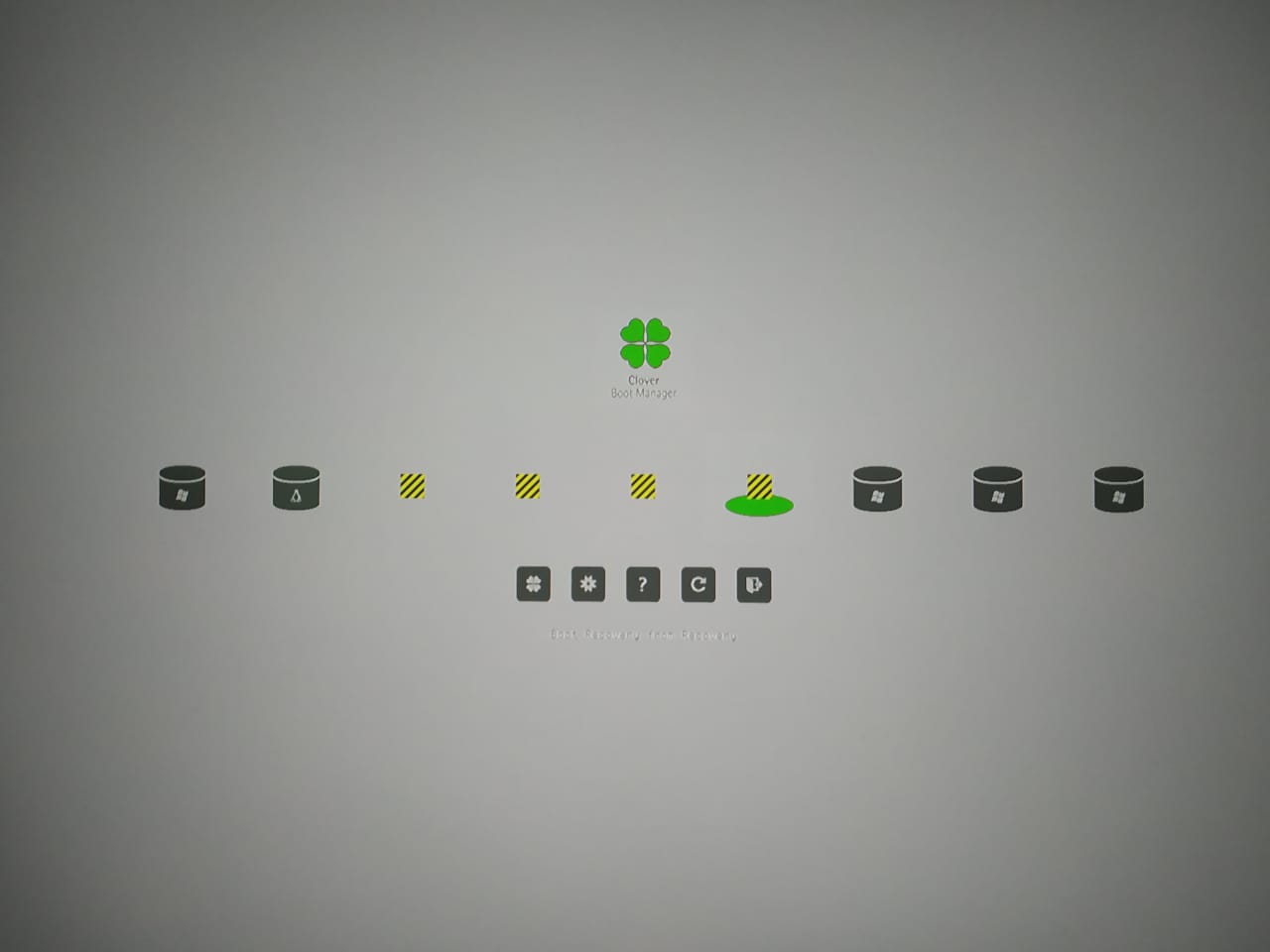
I installed from scratch just to make sure everything is clean from my previous experiments. Audio now works Clover menu - still misssing icons for OS X entries (this seems to be problem with clover theme? which I can apparently fix after some digging). Sleep issue still not resolved yet, the same behaviour - FYI I am using logitech wireless keyboard and has my 4k monitor connected to graphics card's display port. here is the run me dump after applying the clover replacement on a clean install. https://www.sendspace.com/file/as3fn2
-
Thanks, but the sleep issue isn't resolved yet, still the same behavior. Also the audio is not recognised and the boot menu there are some missing icons for OS X entries here is new dump - https://www.sendspace.com/file/fyeb6m This was taken after applying the Clover folder replacement.

-
Here you go https://www.sendspace.com/file/hvfo7z. Note: I booted using external clover (not from the installed clover) so the ACPI was not modified by the patch. Apparently sleep still doesn't work, it is behaving the same before applying the dsdt patch (waking up as soon as it goes to sleep) Could you be kind enough to list the patches/fixes you have have done along with the decompiled dsl file ? so I can use it for learning purpose ?
-
could you help me with the download url of you app? Thanks for sharing the .dsl file!. I analysed the diff, I see that you have added fix for the sleep problem (waking up as soon as the system sleeps). Other changes, I am still trying to make sense but I will eventually understand . I have made you a donation, have a beer or whatever you prefer fyi: I followed your guide https://www.tonycrapx86.com/threads/guide-patching-laptop-dsdt-ssdts.152573/ for dumping the ACPI files. And currently reading and understanding/learning the ACPI specs. it's challenging but interesting!.
-
Asus Z370-F BIOS Version: 1002 2018/07/06 DSDT dump using clover - https://www.sendspace.com/file/fq566n could someone apply the necessary patches ? send me both patched .dsl and .aml files. I will use diff and learn. Much appreciated