BigShit
-
Posts
28 -
Joined
-
Last visited
Everything posted by BigShit
-
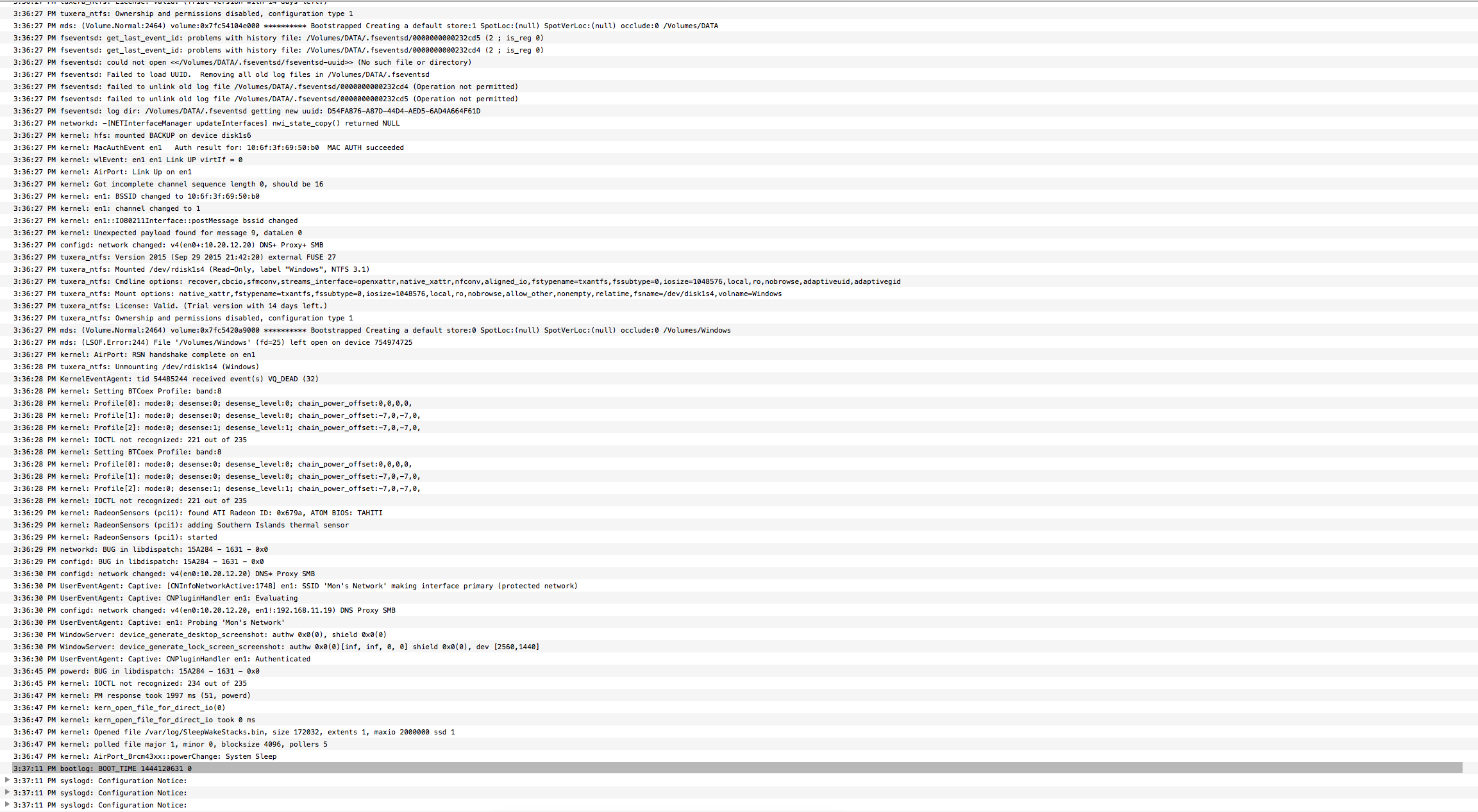
Hi, I've just updated from 10.10.5 to 10.11. Everything seem work fine except the sleep function. When I click on Sleep => Monitor turn off => after a long time (about 15-20 secs) all usb devices are turned off, but CPU and GPU fun still running. And after that I can wake my computer up, the only one thing I can do is press the hot reset button or hold power button to shutdown computer. I've done some investigation but still have no clue why my computer can't go to sleep (It just worked fine in 10.10.5). Here are some information: - System log before I press reset button LegacyATI4800Controller.kext.zip DSDT.aml.zip

-
-
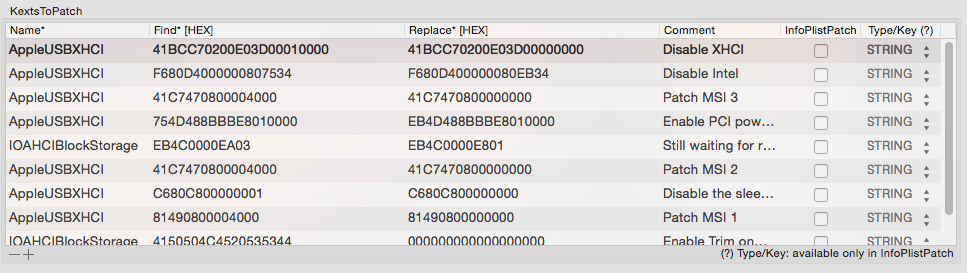
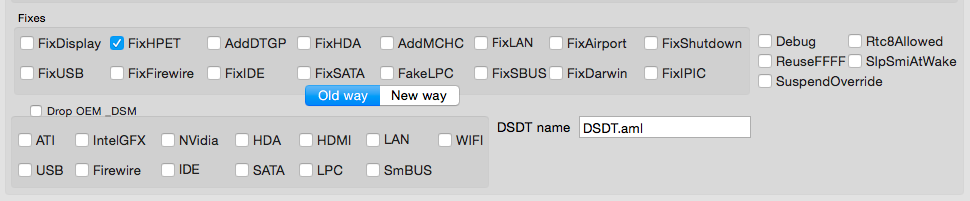
Hi, I managed to fix almost everything and using Clover bootloader. Now the only one thing that couldn't work is the sleep. My computer go to sleep then wake up immediately. I did some research, then I found the "Wake reason" for my PC is: GLAN XHC kernel[0] <Notice>: Wake reason: GLAN XHC I have extracted DSDT and fixed all error, then apply patch: FixHPET in Clover but no work. Can you help me with this? I have included my edited DSDT(fix all errors only) and "Send me" file. Thank you very much. Send me Long’s iMac.zip DSDT.aml.zip
-
Sorry for that. I'm using desktop right now. Not laptop anymore. This "Send me" file is generate on my new desktop with specs: - Core i3-4150 - Mainboard: ASRock Z97m-itx/ac - VGA: AMD 7950
-
Hi, Could you help patch DSDT so that I don't need to use NullCPU and please help me to enable my Audio. I couldn't get it works. Do you have any way to make sleep function work too? Thank you very much. Send me Long’s Mac Pro.zip
-
There is a problem after patched. I use a extend screen plugged via VGA port. After rename GFX0 to IGPU: - If I plugged extend screen via VGA before turn laptop on, after mac booted only extended screen light up, the build-in screen just black. - If I didn't plug extended screen before turn laptop on, after mac booted, build-in screen works as expected, then I can plug my screen via VGA port, then Detect Display in Preferences and both screen work. How to fix that problem? I want to both screen works even I plugged my screen before I turn on laptop because I plug it all the time. Thanks in advance!
-
Thank you! Please help me to apply the patch rename GFX0 to IGPU. I've tried to apply it but it show many errors after patched.
-
Thank you very much it works perfect. Can you show me your patch? P/S: sorry for Create new topic, my mistake when click on New topic instead of Reply.
-
Hi, I've already done everything to get my laptop work except sleep. When my laptop enter sleep mode, screen turn off but power still on (not in sleep mode) hard disk and fan still run. It would be great if you can show me how to patch my DSDT to fix that problem. I also uploaded my patched DSDT, please help me patch on that so I don't lose my previous patches. Thank you very much. Send me Long’s MacBook Pro.zip DSDT.zip
-
How to fix issue that i only can boot to mac use flag -f I have try clear startup cache. Run kext ultility...
-
@artur-pt I have searched on google and know that my problem (graphic glitch) happened to many others, all of them were on Mountain Lion, even the real Mac one. I have tried some fix but only one working way is delete file: AppleGraphicsPowerManagement.kext It is the voltage manager for HD3000 but it wasn't config properly so when the voltage too low, the graphic will be glitch, but I think the disadvantage is when u remove that kext, your battery will decrease faster. Can you learn about that file and show me how to patch, i saw something like step and power but I don't know how to patch it? Thank you.
-
My Asus Mac running well now but USB Mass Storage doesn't work proper. That mean I can plug my mouse and use it normal but when plug usb storage, my computer doesn't show anything? What I need to do now? Thanks
-
- 19,331 replies
-
- 1
-

-
- acpi
- acpispecification
- (and 4 more)
-
I already patch my own SSDT by follow this guide: http://Olarila.com/forum/viewtopic.php?f=18&t=1703 My CPU: http://ark.intel.com/products/53464/Intel-Core-i7-2640M-Processor-4M-Cache-up-to-3_50-GHz And I use this command to create my SSDT: sudo ./ssdtPRGen.sh 35 3500 Then I compile dsl to aml and paste SSDT.aml to extra folder. Am I wrong ? I patched AICPUPM too. So the problem must be in AICPUPM or SSDT SSDT.zip
- 19,331 replies
-
- 1
-
-
- acpi
- acpispecification
- (and 4 more)
-
panic Here are what I did: Do a clean install Patched AICPUPM Use SSDT + DSDT, drop ssdt, no p and c seem it pass AICPUPM but something wrong with DSDT
- 19,331 replies
-
- 1
-
-
- acpi
- acpispecification
- (and 4 more)
-
I just delete SleepEnabler.kext in Extension folder but it still show on verbose so I add a boot flag: pmVersion=0, but it no help. I think I deleted SleepEnabler wrongly so I think I will try a clean install. Can you tell me how to disable SleepEnabler completely. Edit: the last post which have screenshot is when my Null and SleepEnabler wasn't deleted. Thanks
- 19,331 replies
-
- 1
-
-
- acpi
- acpispecification
- (and 4 more)
-
Yes, SMBIOS is MacPro 8,1 (my CPU exactly same as MacPro 8,1 with CPU Core i7 2640M) and SSDT is right config. Still can't boot Anw, I will try a clean install and patch all things again. Thanks
- 19,331 replies
-
- 1
-
-
- acpi
- acpispecification
- (and 4 more)
-
Yes, I have already patched that but if I remove Null.... it will panic
- 19,331 replies
-
- 1
-
-
- acpi
- acpispecification
- (and 4 more)
-
What is AICPUPM ? I think I have applied successful almost the patch.
- 19,331 replies
-
- 1
-
-
- acpi
- acpispecification
- (and 4 more)
-
If I remove NullCPUPowerManagement, I will have no way to boot my Mac, even in safe mode or any flag
- 19,331 replies
-
- 1
-
-
- acpi
- acpispecification
- (and 4 more)
-
Hi, I spend whole day to try to fix my problem but no help Anytime I add SSDT + DSDT p and c-states=no dropssdt=yes My laptop will be panic. But I can always go into safe boot even I use SSDT + DSDT. I think the problem may be cause by one or some .kext file. I'm sure that AppleSmartBatteryManager works well. Can anyone help me. How can I know which panic cause by what? I have attached some pictures when my screen freeze. Thank you very much.
- 19,331 replies
-
- 1
-
-
- acpi
- acpispecification
- (and 4 more)
-
Everything was fine but today my os suddenly panic, I can't boot it up in anyway, I must use other partition which also have mac os to post this. It always stuck at NullPower...... : start If I do a clean install and then Patch AppleIntelPowerManager (which use perl) and add DSDT to Extra folder, after that it always KernelPanic. I don't know why Send me BigShit’s MacBook Pro.zip
- 19,331 replies
-
- 1
-
-
- acpi
- acpispecification
- (and 4 more)
-
Yes I use macbookpro8,1 set in smbios and with intel hd 3000 kext from system. I suffer from those silly glitch (attachment). It happens randomly, can't tell when and where it will happen
- 19,331 replies
-
- 1
-
-
- acpi
- acpispecification
- (and 4 more)
-
Yesssss it become very easy with your help ) this site contain so much things to learn But sometimes I still get Graphic glitch, I think that I need to find another Apple Intel HD3000 graphic driver for my laptop
- 19,331 replies
-
- 1
-
-
- acpi
- acpispecification
- (and 4 more)
-
Thank you very much sleep and shutdown work now Now I move on Turbo Boost and SpeedStep fix I still can't help Powermanagement working without NullCPUPowerManagement (if I remove this file -> kernel panic) . I also enabled GenerateCStates and GeneratePStates and I did this patch too:http://Olarila.com/forum/viewtopic.php?f=9&t=1003 but no help it to boot without NullCPU... Can you tell me what are benefits if AppleIntelCPUPowerManagement works properly ?
- 19,331 replies
-
- 1
-
-
- acpi
- acpispecification
- (and 4 more)